


I've received an OS Maps Gift Card, how do I activate it?
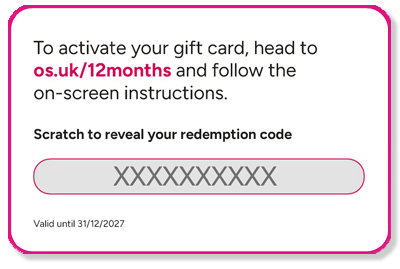
To activate your OS Maps Premium gift card:
- Go to osmaps.com/gift/activate.
- Enter your gift card code then hit the 'Activate' button.
- Create an account or sign in. Create an OS Maps account by following the on-screen steps. If you already have an OS Maps account, simply sign in.
- Complete checkout. Confirm your details and complete checkout to activate your subscription.
Gift cards do have an expiry date so please check your the activation instructions & expiry date included with your gift card.
Looking to buy a new gift card? Find them in the OS Shop.